Recently I was at a conference that only published their agenda as a .pdf
file. While I had ample time to manually transcribe the agenda into my
calendar, I wanted a more automated approach, maybe using one of these
newfangled LLM things that are said to be able to extract text from images
based on a simple prompt. Extracting event information from the agenda
would likely also expand well to pictures snapped of concert posters with
my phone camera, just to get a placeholder in my calendar.
If you subscribe to one of the large phone ecosystems, a lot of this functionality already exists.
Google Lens can extract the event dates from pictures for example. But I
don't share my calendar with neither Google nor Apple, so I want a more custom
and more streamlined application.
Since toying around with Net::CalDAV::FindEntry,
I feel familiar enough with CalDAV and Net::CalDAVTalk
to see the import as no problem. The resulting application should be
a two-page basic web application that is reachable via my private network.
Extracting the information is easy by using GLM-4.6V. This means of course sharing
that information with some outside party, but it is only potential events and not my whole
calendar that I'm sharing.
The code also lives on Github,
at least until I move back from Github to self-hosted git repositories.
Application structure
As usual, I wrote the app in Perl, using Mojolicious and I also sprinkled
some HTMX 4 on it, for some interactivity. For example, the image upload
form does not need a second click to actually upload the selected image.
Also, while processing the image with the LLM, the page automatically
refreshes until the results are in.
The steps (and pages) of the app
Upload
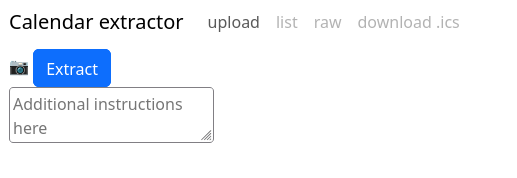
Uploading consists of an image and also an optional prompt, to maybe reduce
the number of events created. I found that some nudging for events in the past
or in the future was needed. Uploading the image happens together with
pressing the camera icon. This is not great if you selected the wrong image,
but that happens rarely to me and adding another image isn't that bad.
Processing
I was too lazy to capture the reloading while the extraction is processing.
Results
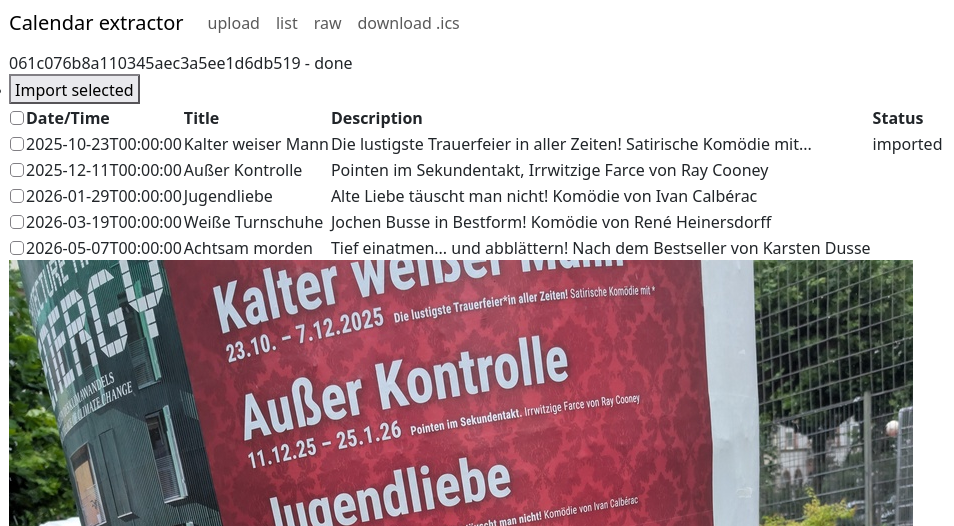
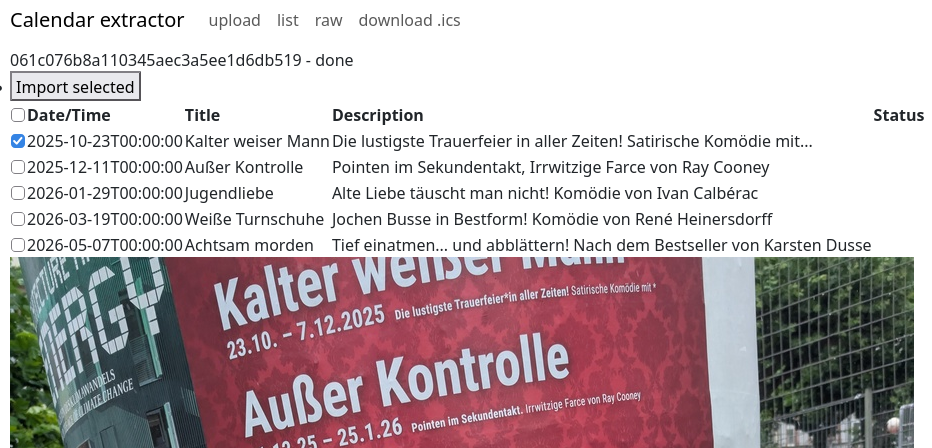
The results page allows to select events for import and also shows the preview
with title and description. The text recognition isn't always great, but
it is Good Enough for my needs.
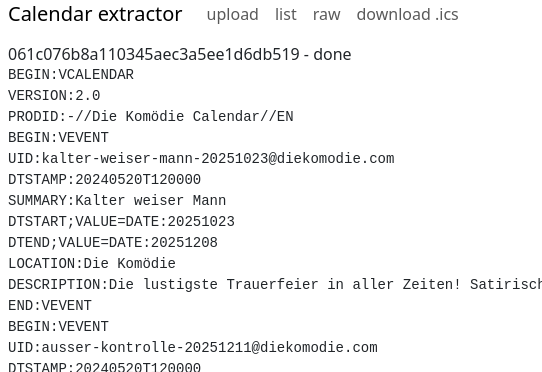
At least for debugging, I also wanted a quick way to inspect the generated
.ics calendar data, so I added the "raw" view. This displays the raw
data in all its g(l)ory.
Imported event
After importing, the app also checks my calendar whether the event has already
been imported. This is highly convenient for me to see whether everything
actually worked.
Developing with GLM-5.3
I used GLM-5.3 for parts of the development. I had the model write most of the
test suite and also had it review the HTML and the use of HTMX. It found some
things that would have been annoying for me to find, like double id
attributes on HTML elements, old HTMX attributes that HTMX 4 does not support
anymore.
The fixes the model proposed were also of acceptable quality, but I did not
let it create new features alone. Everything was tightly guided, which results
in code quality that I am content with.
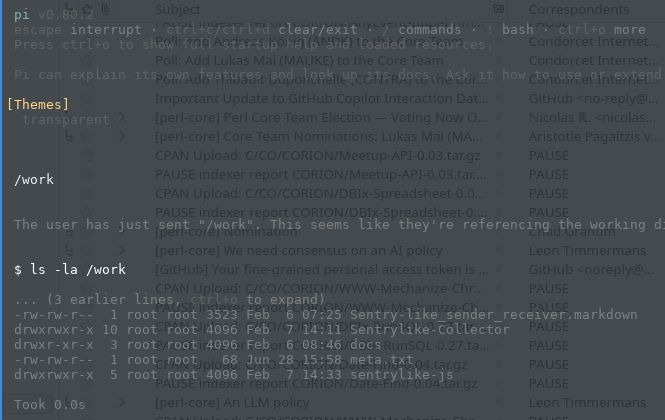
I'm not really happy with using Claude Code as my coding harness. Not that I have spent much time in the last three months using the slopmachines, but as the GLM subscription is already paid for and GLM 5.2 just came out, I'm revisiting coding harnesses other than Claude Code, and here is my setup for running pi.dev in a Podman container.
Plugins
The agent now supports subagents and task lists via plugins. Obra's superpowers is indispensable to me.
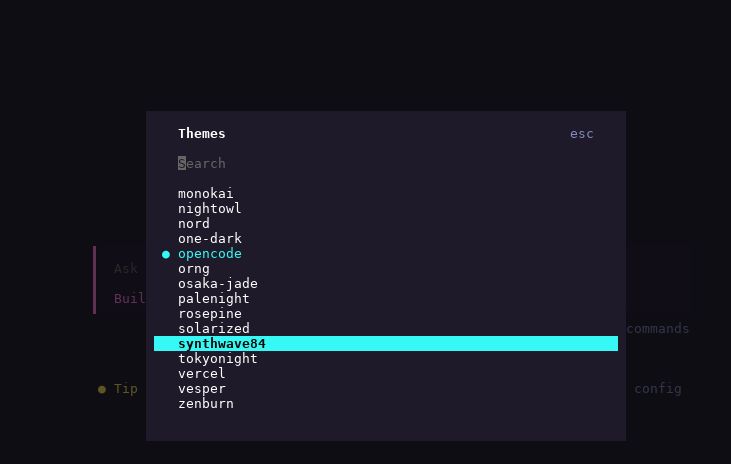
Like all coding harnesses, pi.dev also uses a lot of blinking lights to keep the user entertained while they wait for tokens. I removed the background colors by editing ~/.pi/agent/settings.json:
{
    "theme": "transparent"
}
And adding transparent.json to ~/.pi/agent/themes/transparent.json:
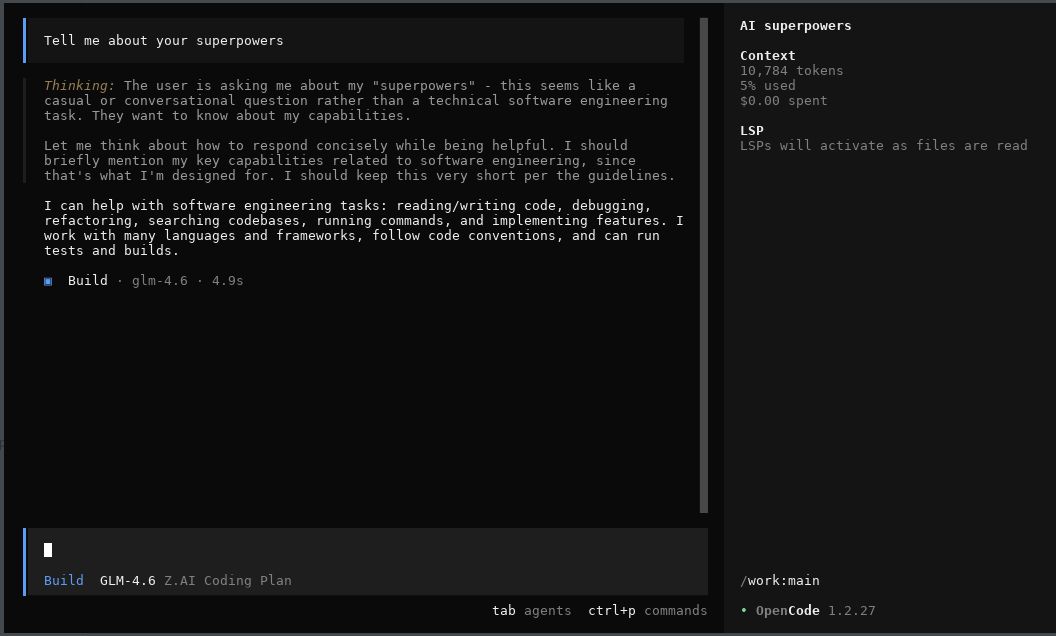
Still using z.ai GLM as my main model, I was looking
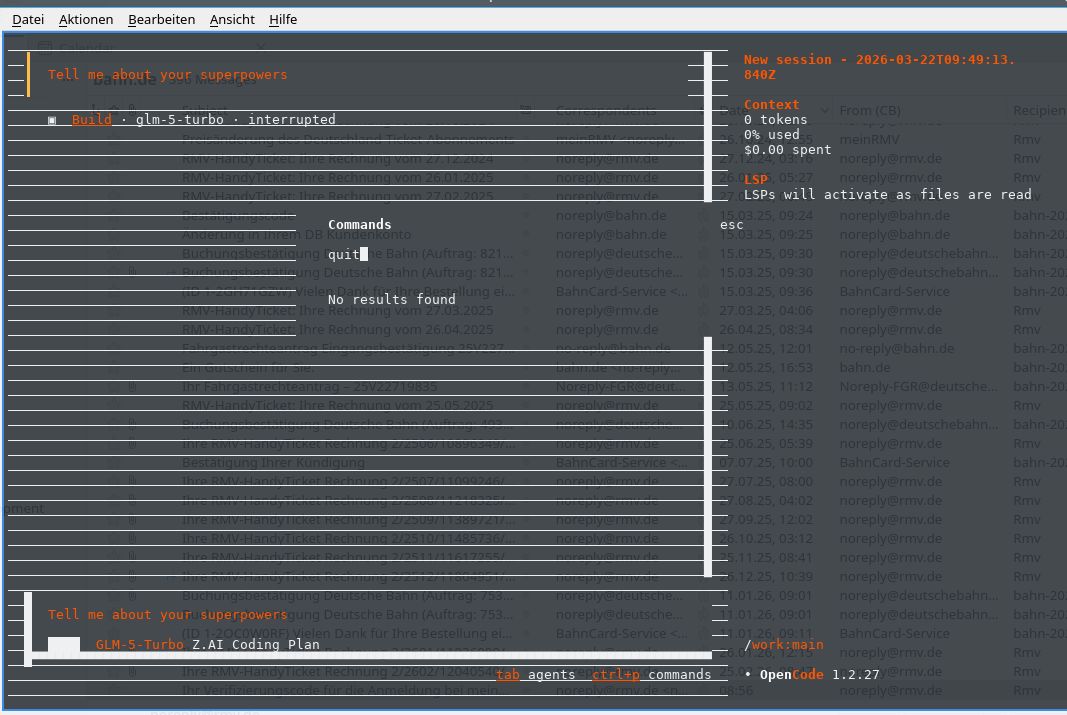
at other harnesses for using the model. Opencode
is an Open Source coding harness that supports z.ai. The harness still has
UI problems, which is the main point of a harness, so I likely won't be using
it in the near time. I wonder if it will ever get away from the fancy slop
machine, but maybe if most of your time with a program is watching the model in
it output text, then having some colourful distractions / blinking lights is
attractive for people.
I wanted to add some progressive enhancement to a small web app I wrote. Like many of these small tools, it has a <textarea> for entering some text.
For progressive enhancement, I wanted to switch that textarea to an instance of the Monaco code editor if Javascript is enabled. But surprisingly, Monaco does not have a simple .attach('textarea') API. Thinking that this should be a simple matter of coding, I wrote down my ideas about the API and then set the GLM model by z.ai onto the task, mediated by the Claude program. Here is the prompt / checklist I gave it:
The overall goal is to implement a function in a Javascript module that allows progressive enhancement of
`textarea` elements with the Monaco editor.

* [ ] suggest a name for the module
    * maybe something like `progressive-textarea-monaco`, but maybe there is something more fitting in the Javascript world
    * list three to five alternatives with precedent in the Javascript world
* [ ] main function is `function attach( selector )`
    * if `selector` is not given, `selector` should simply match `textarea`
    * attaches a Monaco instance to all `textarea` elements matched by `selector` by doing the following steps
       * insert empty `div` after the `textarea` element
       * attach Monaco to the new `div`
       * fill Monaco editor with the content of the `textarea` element
       * hide the `textarea` element
       * attach `change` handlers to Monaco that update the `value` property of the `textarea` element so that `form` submission still works as expected
* [ ] manual testing will be enough, but if automated testing without a browser is possible, test it to the extent possible

## Example HTML file

```html
<!DOCTYPE html>
<html>
<head>
<script src="https://unpkg.com/monaco-editor@latest/min/vs/loader.js"></script>
</head>
<body>
<textarea>This is some text
in the text area
</textarea>
</body>
</html>
```
It produced some code which I then fixed up.
Here is the resulting code, not yet uploaded to npm (and thus available via unpkg etc.), as I'm not really thinking the code should be published even though it does the task I set out:
import {
  getTextareas,
  isAttached,
  markAttached,
  unmarkAttached,
  createContainer,
  hideTextarea,
  showTextarea,
  debounce,
  defaultErrorHandler
} from './utils.js';

import { ensureMonaco } from './loader.js';

/**
 * @typedef {import('monaco-editor').editor.IStandaloneCodeEditor} MonacoEditor
 */

/**
 * Track all Monaco instances and their associated textareas
 * @type {Map<TextareaElement, { editor: MonacoEditor, container: HTMLDivElement, disposeChangeHandler: Function }>}
 */
const instances = new Map();

/**
 * Sync Monaco content to textarea
 * @param {MonacoEditor} editor
 * @param {TextareaElement} textarea
 */
const syncToTextarea = debounce((editor, textarea) => {
  textarea.value = editor.getValue();
  const event = new Event('change');
  textarea.dispatchEvent(event);
}, 50);

/**
 * Attach Monaco to a single textarea
 * @param {typeof import('monaco-editor')} monaco
 * @param {TextareaElement} textarea
 * @param {Object} options
 * @param {Object} [options.monacoOptions={}]
 * @param {Function} [options.onError]
 * @returns {boolean} - true if successfully attached
 */
function attachToTextarea(monaco, textarea, options = {}) {
  // Skip if already attached
  if (isAttached(textarea)) {
    return false;
  }

  try {
    // Create container and insert after textarea
    const container = createContainer(textarea);
    textarea.parentNode.insertBefore(container, textarea.nextSibling);

    // Initialize Monaco editor
    const editor = monaco.editor.create(container, {
      value: textarea.value,
      ...options.monacoOptions
    });

    // Setup content sync from Monaco to textarea
    const changeHandler = editor.onDidChangeModelContent(() => {
      syncToTextarea(editor, textarea);
    });

    // Store instance for cleanup
    instances.set(textarea, {
      editor,
      container,
      disposeChangeHandler: () => changeHandler.dispose()
    });

    // Hide textarea and mark as attached
    hideTextarea(textarea);
    markAttached(textarea);

    return true;
  } catch (error) {
    if (options.onError) {
      options.onError(error, textarea, { phase: 'attach' });
    } else {
      defaultErrorHandler(error, textarea, { phase: 'attach' });
    }
    return false;
  }
}

/**
 * Detach Monaco from a single textarea
 * @param {TextareaElement} textarea
 * @returns {boolean} - true if successfully detached
 */
function detachFromTextarea(textarea) {
  const instance = instances.get(textarea);
  if (!instance) {
    return false;
  }

  // Sync final content
  textarea.value = instance.editor.getValue();

  // Dispose Monaco
  instance.disposeChangeHandler();
  instance.editor.dispose();

  // Remove container
  instance.container.remove();

  // Show textarea and unmark
  showTextarea(textarea);
  unmarkAttached(textarea);

  // Remove from tracking
  instances.delete(textarea);

  return true;
}

/**
 * Attach Monaco editor to textarea elements
 *
 * @param {string|HTMLElement|HTMLElement[]} [selector='textarea']
 * @param {Object} [options={}]
 * @param {Object} [options.monacoOptions] - Options passed to Monaco editor constructor
 * @param {string} [options.monacoLoaderUrl] - Custom URL for Monaco loader script
 * @param {string} [options.monacoBaseUrl] - Custom base URL for Monaco
 * @param {Function} [options.onError] - Error callback(error, textarea, context)
 * @returns {Promise<Function>} Cleanup function that detaches Monaco from all attached textareas
 *
 * @example
 * // Basic usage
 * const cleanup = await attach();
 *
 * @example
 * // With selector
 * const cleanup = await attach('textarea.code-editor');
 *
 * @example
 * // With options
 * const cleanup = await attach('textarea', {
 *   monacoOptions: {
 *     theme: 'vs-dark',
 *     language: 'javascript'
 *   }
 * });
 *
 * @example
 * // Cleanup
 * cleanup(); // Detaches all textareas from this attach() call
 *
 * @since 1.0.0
 * @version 1.0.0
 */
export async function attach(selector = 'textarea', options = {}) {
  try {
    const monaco = await ensureMonaco(options);
    const textareas = getTextareas(selector);
    return performAttachment(monaco, textareas, options);
  } catch (error) {
    if (options.onError) {
      options.onError(error, null, { phase: 'load' });
    } else {
      console.warn('monaco-textarea-adapter: Failed to load Monaco', error);
    }
    // Return no-op cleanup function
    return () => {};
  }
}

/**
 * Internal: Perform the actual attachment after Monaco is loaded
 * @param {typeof import('monaco-editor')} monaco
 * @param {TextareaElement[]} textareas
 * @param {Object} options
 * @returns {Function} Cleanup function
 */
export function performAttachment(monaco, textareas, options) {
  const attached = [];

  for (const textarea of textareas) {
    if (attachToTextarea(monaco, textarea, options)) {
      attached.push(textarea);
    }
  }

  return function cleanup() {
    for (const textarea of attached) {
      detachFromTextarea(textarea);
    }
  };
}

/**
 * Get the Monaco editor instance for a textarea
 * @param {TextareaElement} textarea
 * @returns {MonacoEditor | undefined}
 */
export function getMonacoInstance(textarea) {
  const instance = instances.get(textarea);
  return instance?.editor;
}

/**
 * Check if a textarea has Monaco attached
 * @param {TextareaElement} textarea
 * @returns {boolean}
 */
export function isMonacoAttached(textarea) {
  return instances.has(textarea);
}

/**
 * Detach Monaco from all textareas
 * @returns {number} Number of textareas detached
 */
export function detachAll() {
  let count = 0;
  for (const textarea of instances.keys()) {
    if (detachFromTextarea(textarea)) {
      count++;
    }
  }
  return count;
}
Needed manual fixes
the code is overly convoluted, split up into four separate files
the code uses a separate loader.js and rollup as a packaging tool where no such tool would be needed.
The code keeps a function for "backwards compatibility", except there is no "backwards" to be compatible with
The code implements a debounce function that was never specified or asked for, just to reduce the number of updates. The framework I would be using the code with, HTMX, already does its own debouncing.
Unfixable things
Monaco itself is not really suitable for self-hosting / vendoring. Their own
loader.js loading mechanism works, but they have no list of files that are
needed and which directory structure the files / URLs should have. I've gone
back to a plain <textarea> element as that is simply easier to debug and
while Monaco offers many convenient features like syntax highlighting out of
the box, I don't want to fight with its (lack of) installation instructions.
I started looking at z.ai as an alternative, as I hit
the Claude Code limits far too quickly and often. GLM 4.7 claims to be on par
with Anthropic while only costing USD 36/year at the time I subscribed.
They've now raised their prices to USD 84/year
( non-referral link ).
The Claude Code client currently is still better than the client provided by opencode. Soon, opencode will have a --yolo mode to auto-override all permission prompts.
Maybe it will even support monochrome mode instead of its fruit salad UI, but I think that the allure of all those TUI tools to their creator is to create a colorful slot machine where people spend their tokens.
Installation
Installing the Claude Code client just follows the default installation. I simply reused my existing CC installation.
Config setup
The configuration is where instead of pointing to the Claude Code models, the client is pointed to the GLM models that have the same API.