Hardware: Steam Controller 2
Valve Steam Controller (2026)
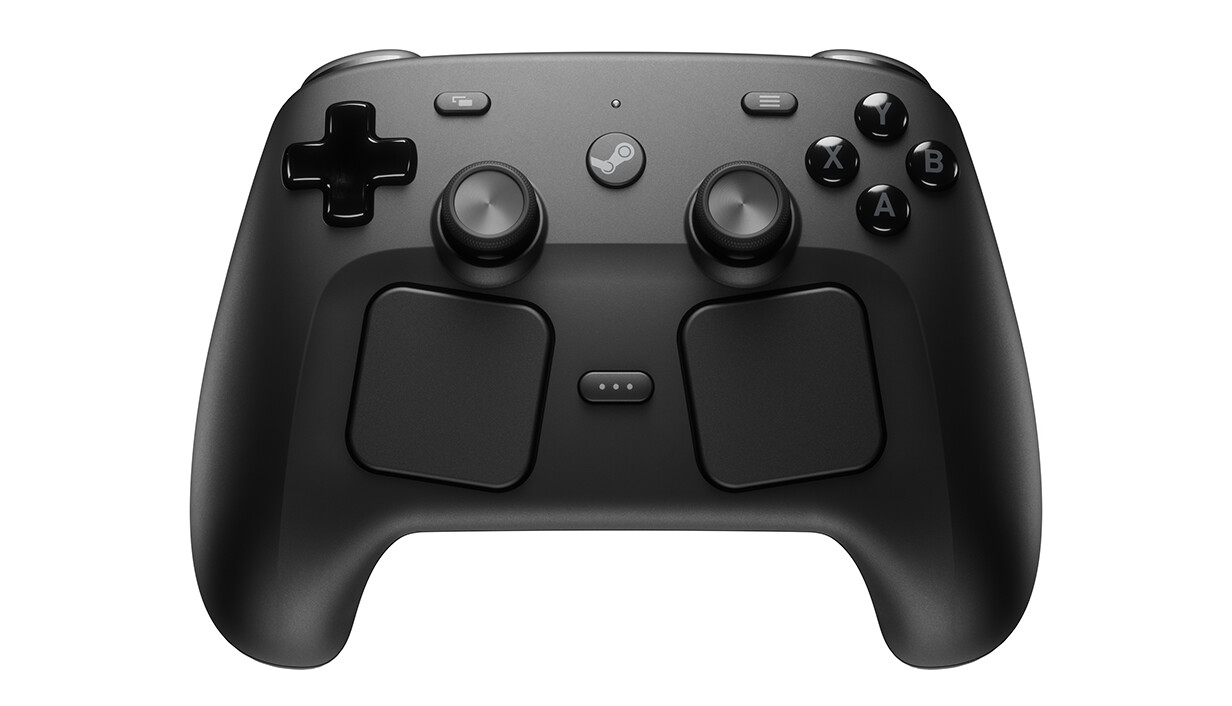
On May 4th, the new Valve Steam Controller became available. Ordering was a bit harder than I thought, but it seems Valve was overwhelmed by the demand. In fact, it seems to have sold out the first batch within two hours. The problems showed themselves to me as being unable to conclude the purchase, as the credit card verification never popped up.
After that initial hiccup, everything else went smoothly. The controller arrived two weeks later at my doorstep.
What's in the box?
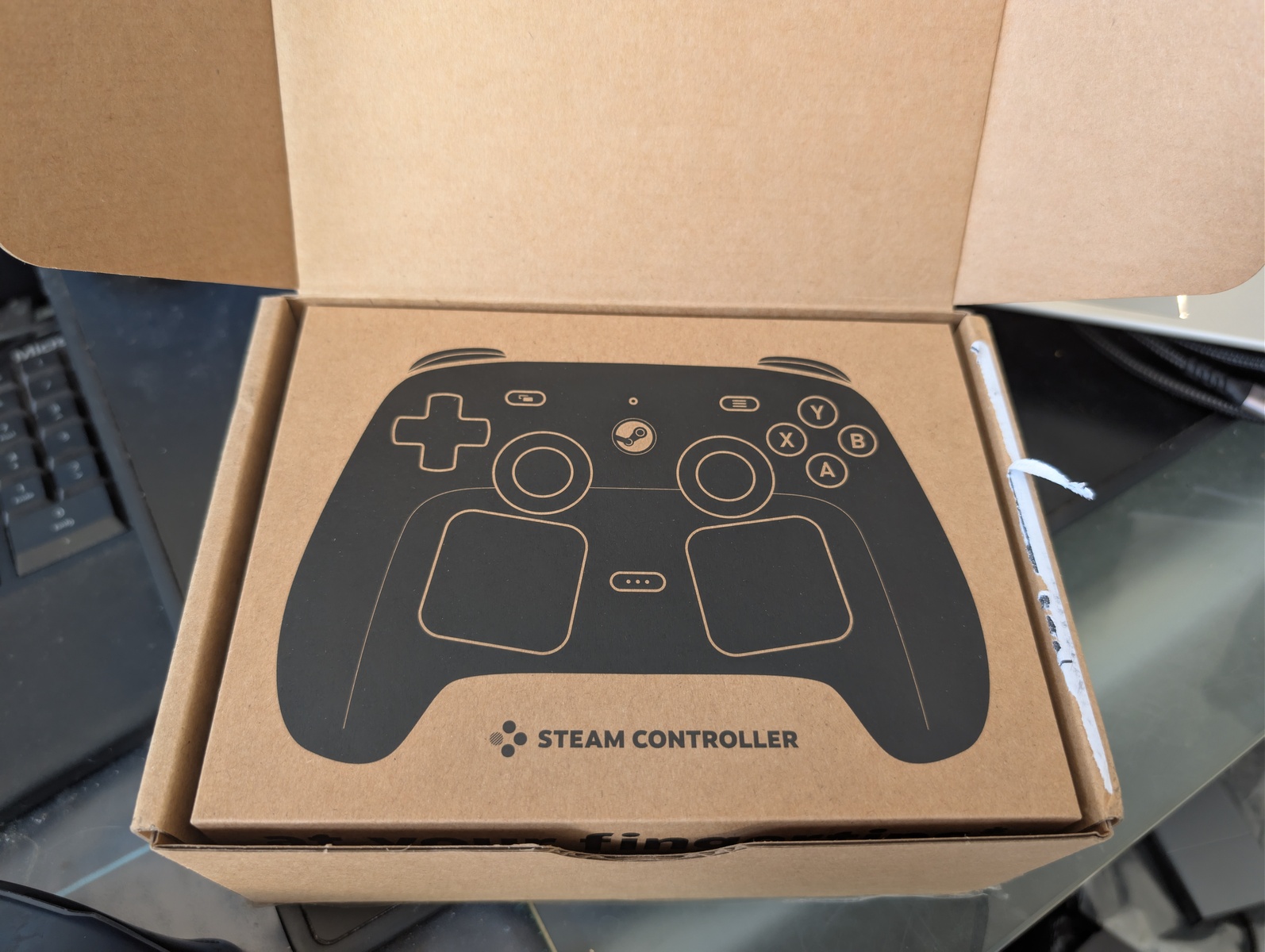
The box looks very good. I think Valve aims straight for a premium experience. The cardboard box feels very sturdy and nice to open.
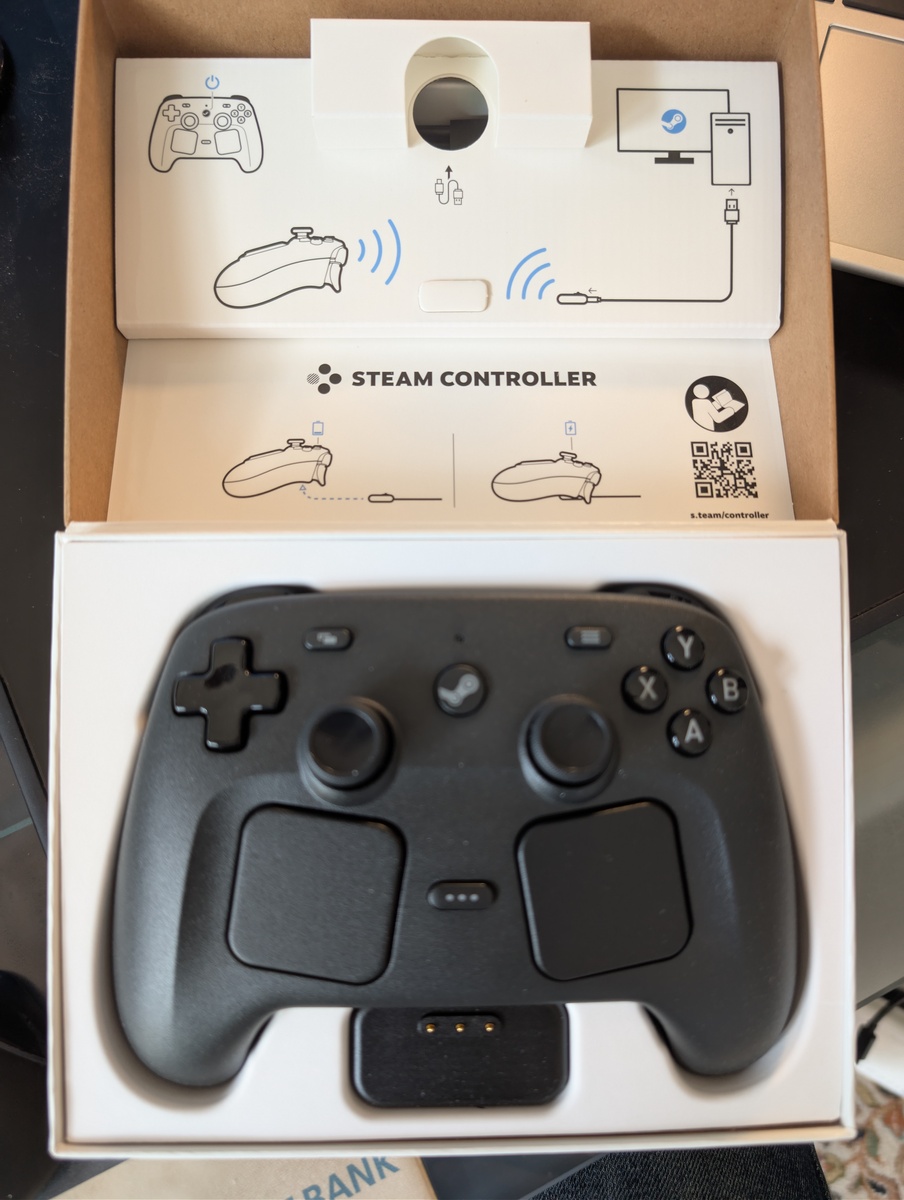
The box contains the controller, the puck and an USB-A to USB-C cable for connecting the puck or the controller to a PC. The puck is a magnetic loading adapter for the controller. I've grown quite fond of such loading adapters even if they are again proprietary connectors that might get lost. When connecting the controller via the puck to a PC, both get immediately a firmware upgrade via Steam. The process is convenient enough and I also don't have the fear that Valve might lock me out of features by upgrading the firmware.
Look and Feel
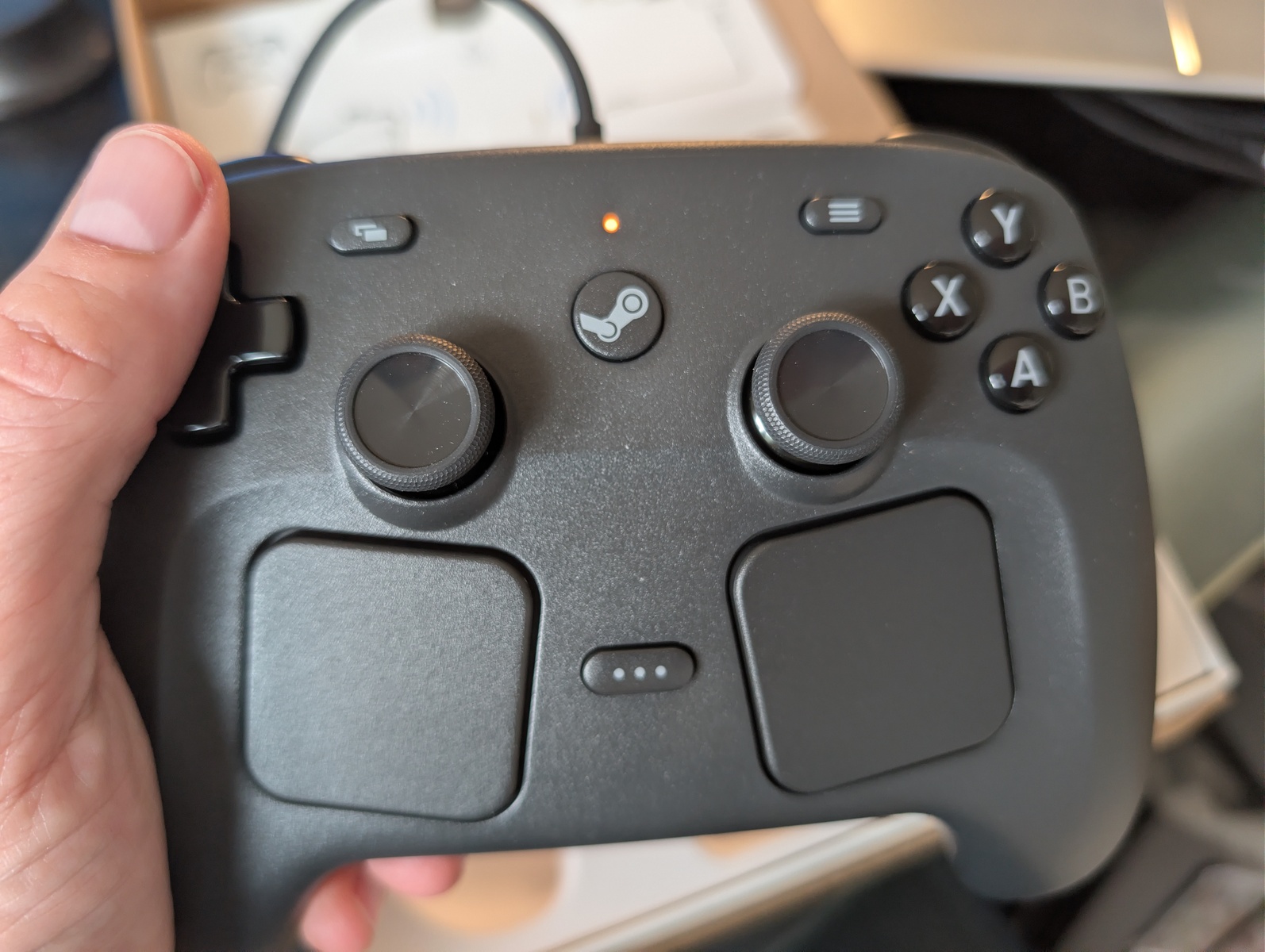
The controller feels very good in my hands. It is matte black, although time will tell how much the coating degenerates when handled with sweaty hands.
Compatibility
When Steam is not present on a device, the controller presents itself as a trackpad with scroll wheel. The right trackpad controls the mouse pointer while the left trackpad acts as scroll wheel. The right triggers act as left/right mouse button. The D-pad acts as cursor keys. This makes the controller not too bad when operating a device that does not have immediate gamepad support.
The controller can connect via USB directly, via the puck (which, again,
connects via USB), or via Bluetooth. You can switch between the connection
modes when switching the controller on by holding R1-A (for puck mode)
or R1-B for Bluetooth mode.
Pixel 9 / GrapheneOS
The Steam Controller connects easily via Bluetooth and shows up as a mouse (touchpad) + gamepad. The right touchpad controls the Android mouse pointer in a good way. The haptic feedback the trackpads give when moving the mouse pointer is not annoying.
Linux PC / Steam
The Steam Controller connects via the puck, which connects via the USB cable. It is immediately recognized by Steam and just works. The middle button ("Steam button") launches Steam in Big Picture mode, turning the experience into a console-like experience.
Linux PC / Tablet
The tablet has no Steam client installed, but the controller "works" there
through the puck without needing any fiddling or installing. It is only
recognized as a mouse. The KDE settings menu does not recognize the game
controller. Installing the steam-devices Debian package immediately
lets the controller get recognized, but no inputs are working. Most likely
some udev rules need to be added to properly read the controller inputs,
but I'll be patient and wait until the Debian maintainers address this.
Windows PC / Steam
The Steam Controller connects via the puck, which connects via the USB cable. It is immediately recognized by Steam and just works. The middle button ("Steam button") launches Steam in Big Picture mode, turning the experience into a console-like experience.
Connecting via Bluetooth also works without problems.
Steamdeck
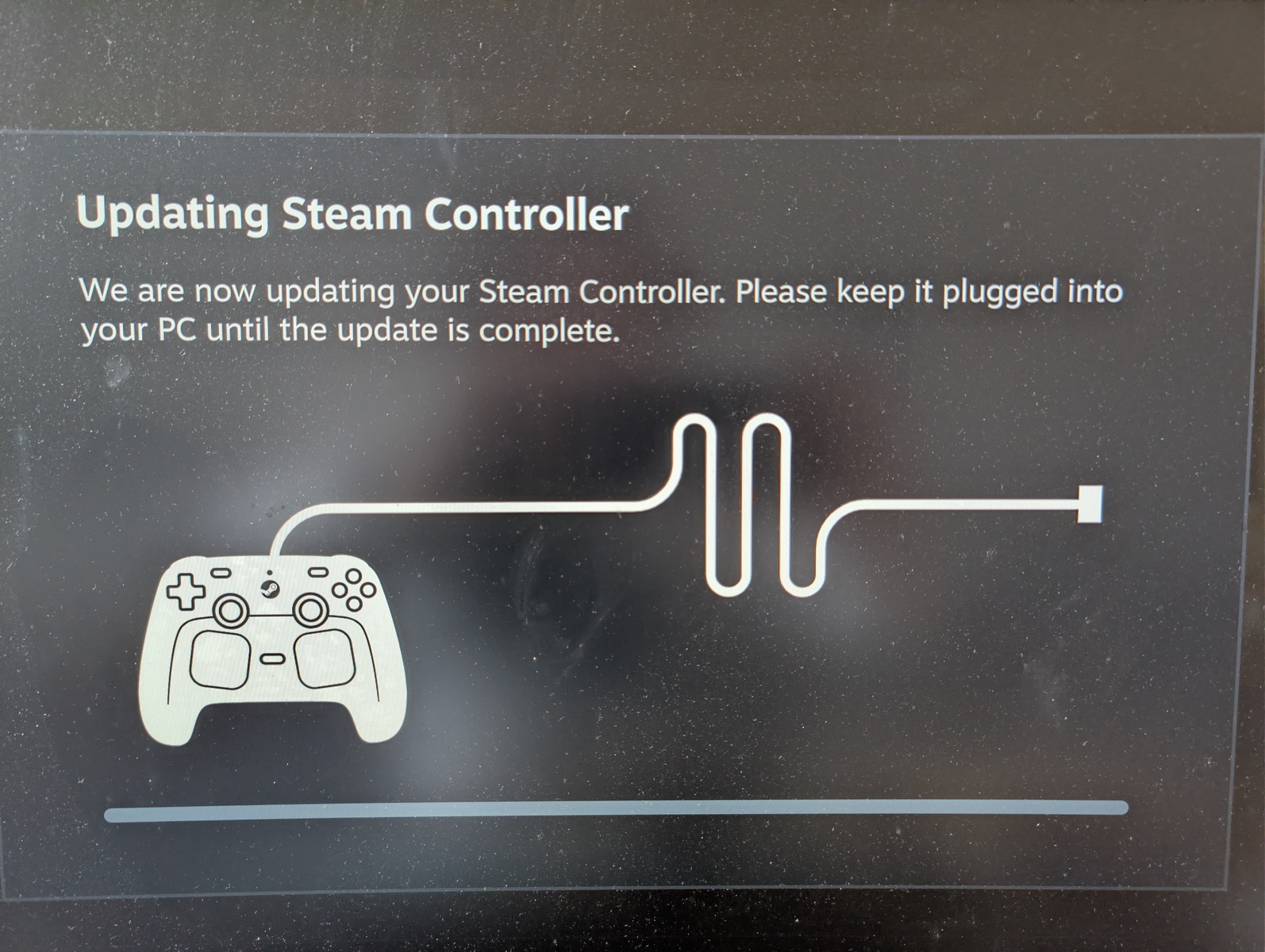
The Steam Controller connects via the puck, which connects via the USB cable. It is immediately recognized by Steam and just works, but weirdly enough, it wanted to do another firmware upgrade, twice. Otherwise, the components are quite similar to the components used on the Steamdeck. Using the controller in desktop mode as mouse replacement also feels better than using the sameish trackpads on the Steamdeck itself. The L5 button acts there as opener for the start menu, which is a nice shortcut.
Games
While I'm leaning more towards keyboard+mouse , some games lend themselves towards being played with a gamepad.
GTA Vice City
In my quick test, I played GTA Vice City, and using the right trackpad as mouse worked passably. I think for a good experience, I will have to sift through the Steam controller profiles to find one that replicates the keyboard+mouse setup well enough.
Silksong
Playing Silksong with the controller also feels good. The controller feels better than the Steamdeck, as the bottom finger buttons R/L 4 and R/L 5 lie closer to where my fingers expect them, and obviously the controller is lighter than the Steamdeck. Playing with the Steamdeck detached makes me realize that maybe having a dock for the Steamdeck would be interesting.