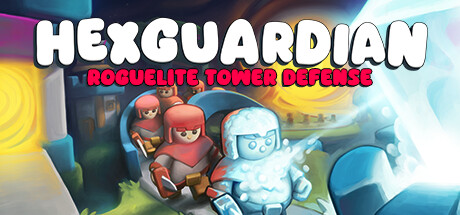
Hexguardian is a rougelite tower defense. The game itself is simple, you build the
area around your castle using hex tiles. These hex tiles contain two kinds of ways,
water and road. You have much more control over the level layout than with
Nordhold. There is no automatic card placement,
you always can place your hex tile anywhere it fits.
There is a lot of meta progression, with some capabilities that you need to unlock that
improve the base gold generation rate. Other capabilities include new units or towers.
You can also exclude units or towers from being drawn during gameplay. This helps
when you want the capabilities behind towers but don't want the tower card
to clutter up your gameplay.
The game looks simplistic but is surprisingly long fun. The music does not get
on my nerves, and there are (at least) six kinds of worlds each with their
own music. The difficulty progression is not too steep but steep enough
to keep me engaged. I bought the game in a sale for ~ 10€ , which is
worth the price.
This years Hugo Awards
finalists and winners have been announced, and as I'm always looking
for new authors with stories worth my reading time, I ordered a random
selection of them as used books. As I don't care much for the books as physical
items, getting them used is fine - they will be read in the bathtub anyway.
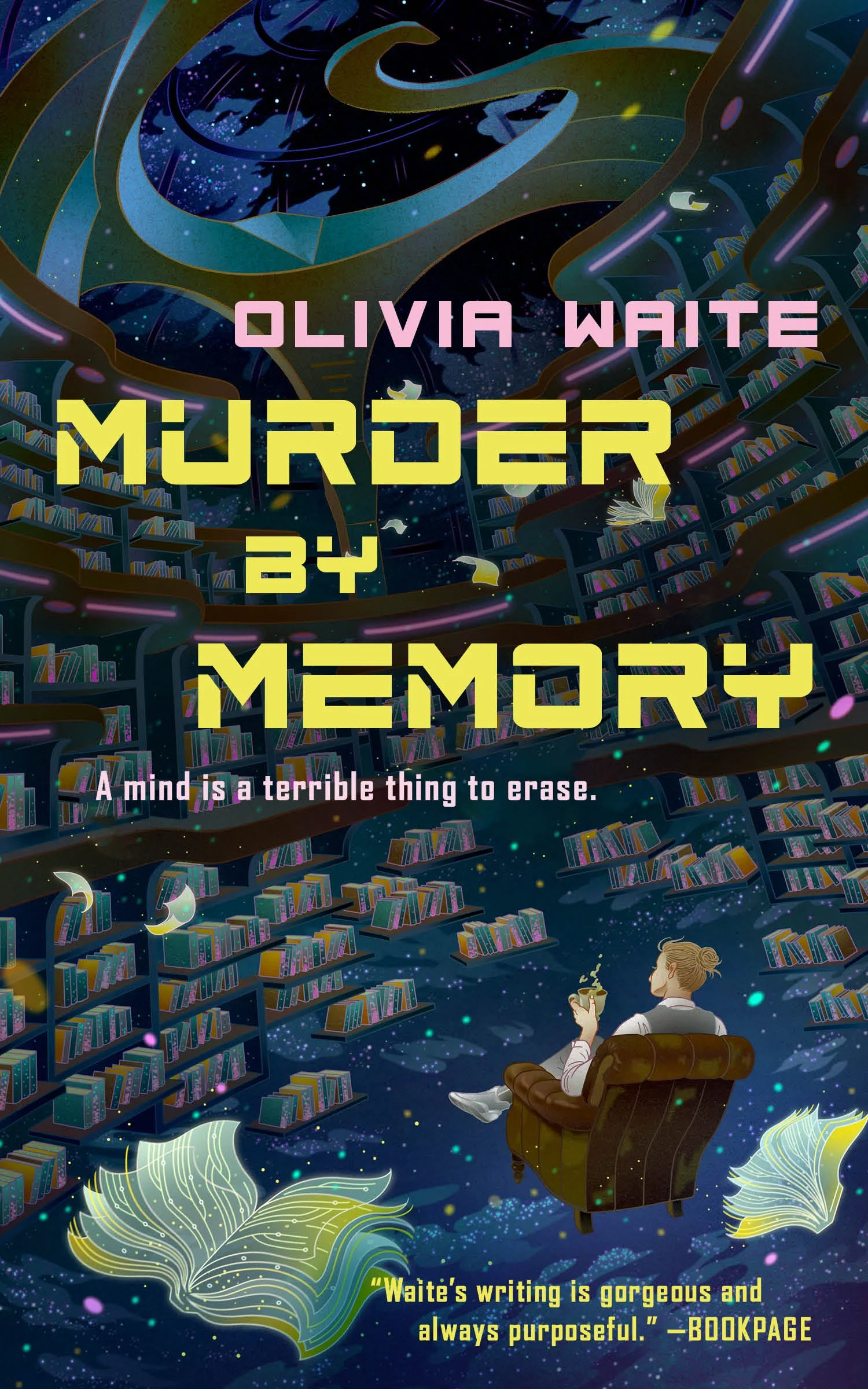
Murder by Memory is ab interesting 100 page murder mistery novella,
maybe in the "cozy" genre of crime fiction. The premise is that the ship
detective of a star faring slow ship gets woken up because some backups were
destroyed and somebody was murdered. They now have to find the murderer, the
motive and also the mechanism.
The book is part one of a three part series.
I think it was Charles Stross
who wrote that it is basically impossible nowadays to sell a single book, you
always have to sell them as a trilogy to a publisher. The other two books
are already listed on Amazon but not yet published, or at least, not yet
available as used books, so I will stay patient.
Some of the trappings of the story remind me of Altered Carbon, but the story
is quite short
and fast-paced, so it doesn't hurt too much. The book does not go too deep into
the societal consequences of human backups. On the other hand, you would expect
most people on a 1000-year voyage to be on board with backups and restoration,
in contrast to the larger, and more layered society of Altered Carbon.
There are some things that don't feel sensical to me, but that may be because I
think too much about society and money. The ship has a (backed up) population
of 10.000 persons, but they seem to have money, huge interest rates and at
least one large bank. While I understand that the conceit is to keep people
exercising their skills until landfall on a new planet, I don't understand how
the interest rates could work like they do in the story. As a mostly stagnant
population, I wonder where the need for that much capital and loans goes into,
with no economy to grow. But most likely, I'll attribute this criticism to my
view of the small population.
Story wise, the book could be double the size, as it has some traces of a
longer noir story that aren't followed up on. Maybe it started out as a longer
story and was then trimmed back for publication instead of trying to bring it
to an Altered Carbon style lobger story. There could be one or two more plot
twists to stretch out the story and my instincts led me to suspect deeper
machinations to the murder. But the story works as-is , and better a published
story that is short than an unpublished story that does not go anywhere, or is
too similar to comparable setups like Altered Carbon or Glasshouse .
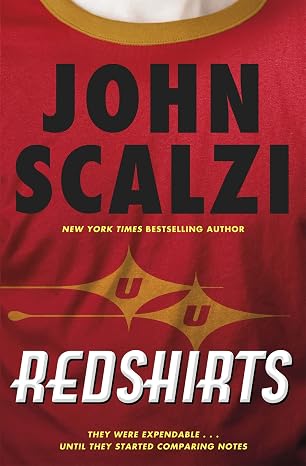
The novel satirizes a (badly written) science fiction TV show. Over time, the protagonist and some others become aware that
they are they are within that TV show, and that they must avoid The Narrative. The Narrative is most prevalent around
the bridge personnel of the spaceship. Unfortunately for the protagonist and their team, the bridge crew members carry plot armor,
a luxury not awarded to normal crew.
The novel is an amusing read, with a fun premise and good follow-through. I also liked the coda where the situation is looked
at from the perspective of the (bad) TV show writer and other people in the story.

I bought the game for 3€ in a Steam sale, and for that money it is well worth the time.
The game runs very smooth on a 16GB machine with an RTX 1080 card.
The Good
Story
Story is serviceable. The Bad Guy is Really Evil. You are the son of a resistance fighter in some random tibetan/nepalese/whatever country. Your mother
left for the US with you as a child, but for some reason still trained you to be a fighter. At least, nobody mentions or wonders why you are handy with all
those weapons that are lying around. Also, nobody asks
where you were or how your life was, but accepts you as the son of the former leader. The story sets you up in the game and is motivation for some of
the missions, and that's it. It is by lengths better than in Assassins Creed: Origins (the "Egypt" episode).
Gameplay
The gameplay is good. It is a typical UbiSoft game, with lots and lots of collectibles, but at least you can buy maps that list the collectible locations. The
fighting is good, despite the occasional QuickTime event.
Update: After four weeks and getting in 10 hours of gameplay, I find that
the curse of Ubisoft still applies. The gameplay is a tedious collectathon with
lots of breadth but no depth. The constant nagging of karma missions while I'm
exploring, the lack of direction and the boring story made me quit the game
after 10 hours in.
The Bad
The intro is unskippable, which is highly inconvenient if the game crashes juuust before the end of the intro. Otherwise I haven't encountered
any bad bugs. The convenience of playing old games is that you get to play the best version there is. At least for offline games, where they
don't patch out songs from the soundtrack and so on.
The Ugly
The game is connected to the UbiSoft launcher, even when you buy it through Steam. That launcher updates itself every time you launch it through Steam. It also requires a (burner) email address for launching the game.
I should maybe start looking for a crack/patch that allows to remove the UbiSoft launcher by replacing it with a small program that mimics it but uses fewer resources.
At least Far Cry 4 does not have microtransactions.
Some short reviews of books that I recently read
Quite good and entertaining. A space opera that follows a being that cannot be killed from a society of libertarian hyper-capitalism
through other societies. The corporate-run society is shown quite imaginatively, with the protagonist trapped in its value system.
Some Desperate Glory
I really disliked the protagonist, so props to the author for writing some really unlikeable, trapped protagonist. Content-wise, the
story follows the protagonist from a fascist rebel cell through several timelines until they find a timeline that they are happy with.
The book is actually very good, I finished it despite disliking the protagonist on every page in the first act.
The afterword lists interesting (non-fiction) book references the author used. Very interesting, ranging from how Fascism works,
over how Scientology works, to the North Korean internal structure.
Steel Beach (John Varley)
John Varley died this year and I read some
recommendations of his books. The most memorable quote about John Varley is by Isaac Asimov:
Long, long ago, when I was yet unpublished, I found myself talking with Isaac Asimov at I forget which convention, when John Varley cruised by, trailed by enthusiastic fans.
Asimov gazed sadly after him and said, "Look at him. A decade ago, everybody was asking, 'Who is John Varley?' A decade from now, everybody will be asking, 'Who is Isaac Asimov?'"
And that was John Varley's moment.
Steel Beach is set on a colonized moon after the destruction of the earth. It follows a reporter that
is tasked by the de-facto ruling moon AI with finding out why the AI and the reporter are suicidal.
The book is quite entertaining and wittily written.
A quite interesting throwback to 1984 and the computers back then. The novella is about
an investigation into a mysterious killing of what turns out to be a computer hacker.
The names of the persons are names of (then current) home computers. Otherwise, the novella isn't all that remarkable in retrospect
but for 1984, it was quite prophetic.
On the flip side of the "Press Enter" book, there was another short story of a prison set back in the Cambrian where political dissidents
(and mostly, economists) get exiled to. Not really remarkable.
Starter Villain (John Scalzi)
Not as much science fiction. The novella revolves around a substitute teacher
suddenly becoming head of a shadowy worldwide enterprise that provides services
to governments that would otherwise be featured in James Bond movies. He and his
intelligent cats need to outmaneuver rockets, dolphin unions and hired killers.
Entertaining as most of the John Scalzi books are.